

Add a folder of portraits
Select a folder and add teachers or coaches if you need them. The plug-in pulls names from filenames so you can review the roster without typing every label.
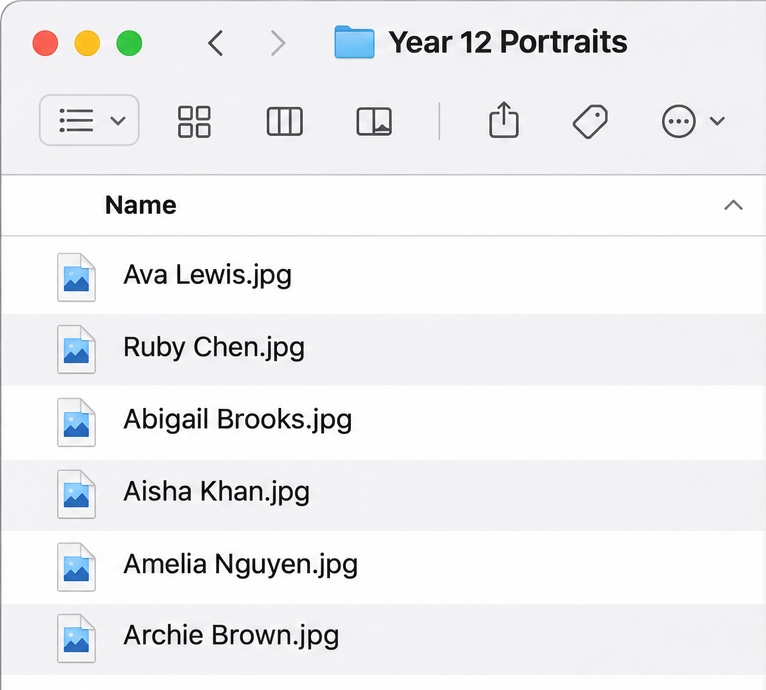
Choose a template and add a folder of portraits. Class Photo Studio arranges and labels them automatically, then builds an editable Photoshop file.
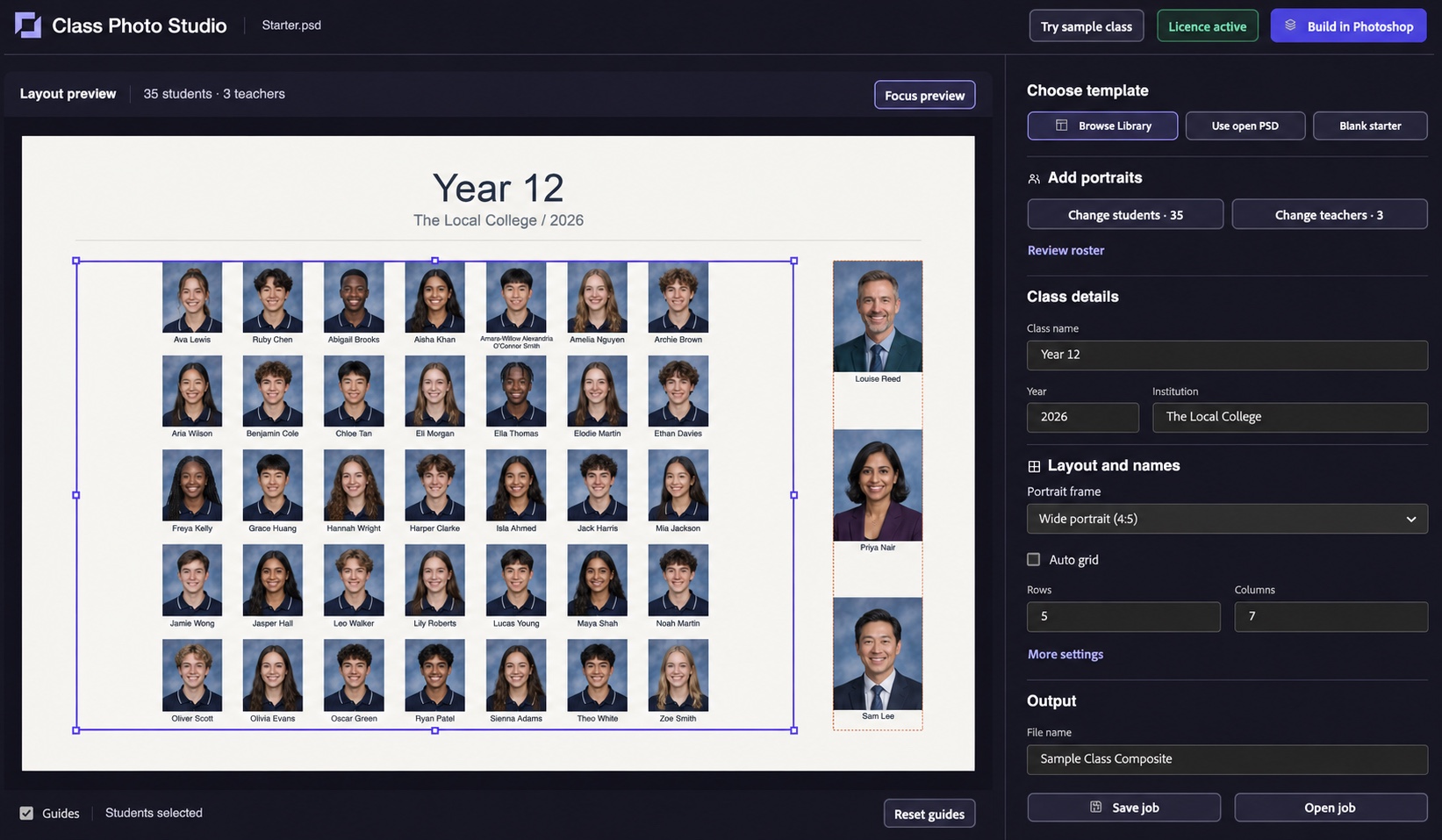
Matching names, placing portraits and rebuilding grids can take longer than the final proof. Automate the repetitive assembly and spend your time checking the details.
Select a folder and add teachers or coaches if you need them. The plug-in pulls names from filenames so you can review the roster without typing every label.

Auto Grid arranges the portraits for you. Check the preview and adjust spacing or individual crops where needed.

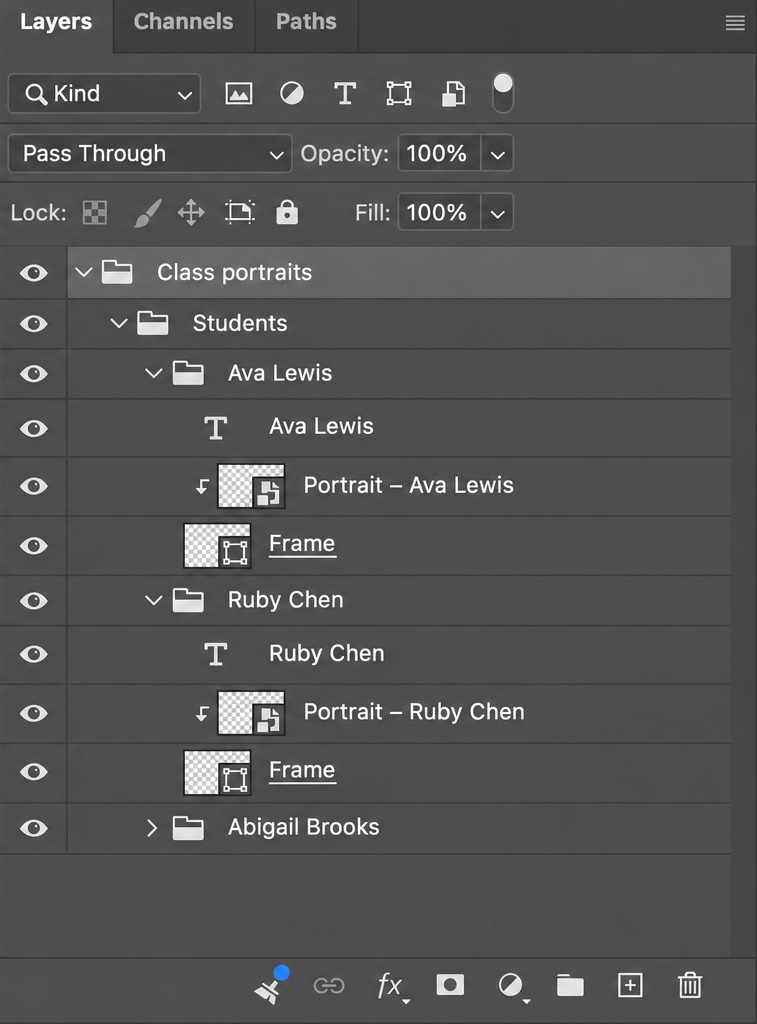
Click Build in Photoshop to place and label the portraits in a layered PSD. Make any final edits, then export a full-size sRGB JPEG.
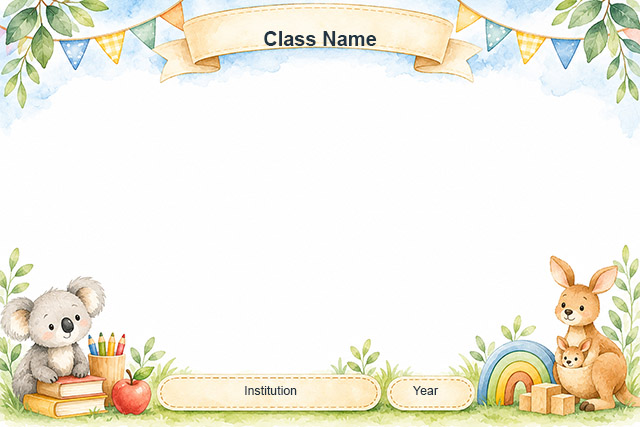
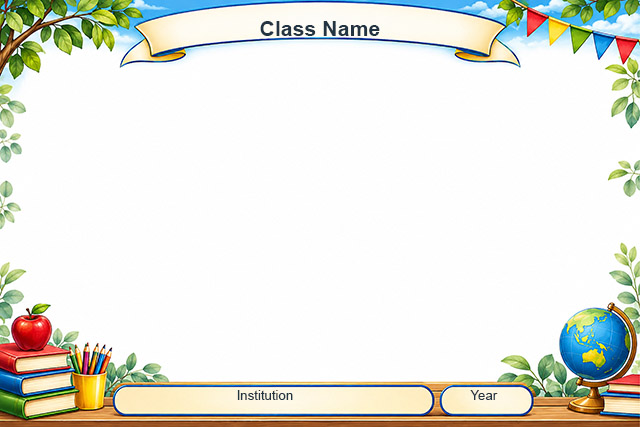
Browse all 21 included templates for schools, early learning, sport, performing arts and other groups. You can also open your own RGB PSD and use it as the template.


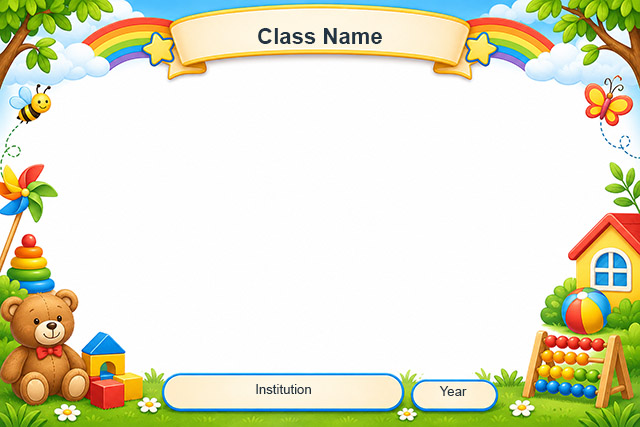
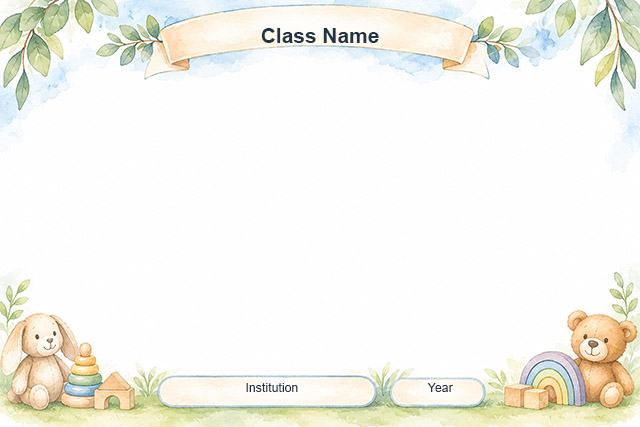





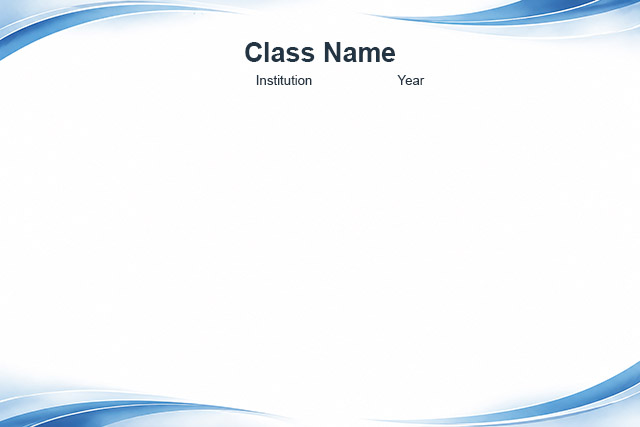
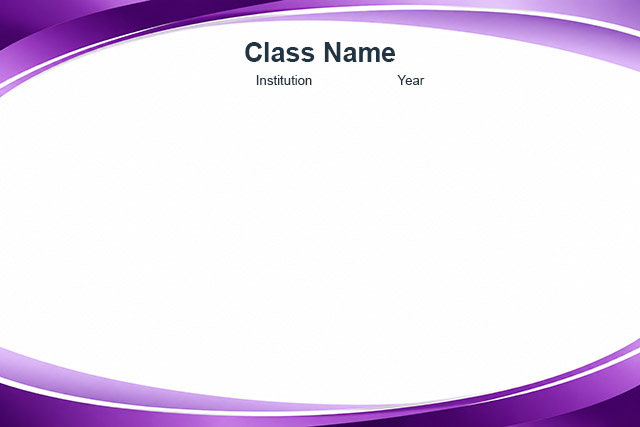







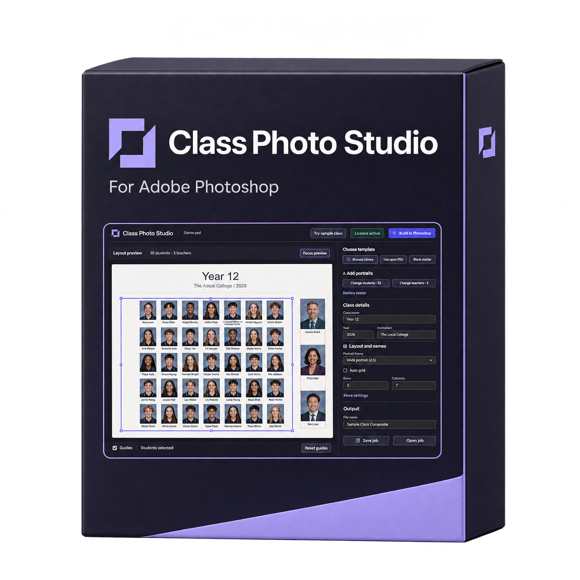
Build group composites in Photoshop without placing and labelling every portrait by hand.
$39.95 AUD
Buy it nowRequires Adobe Photoshop 26.0 or later.
Ask about pricing, compatibility or how Class Photo Studio fits your studio’s workflow.